
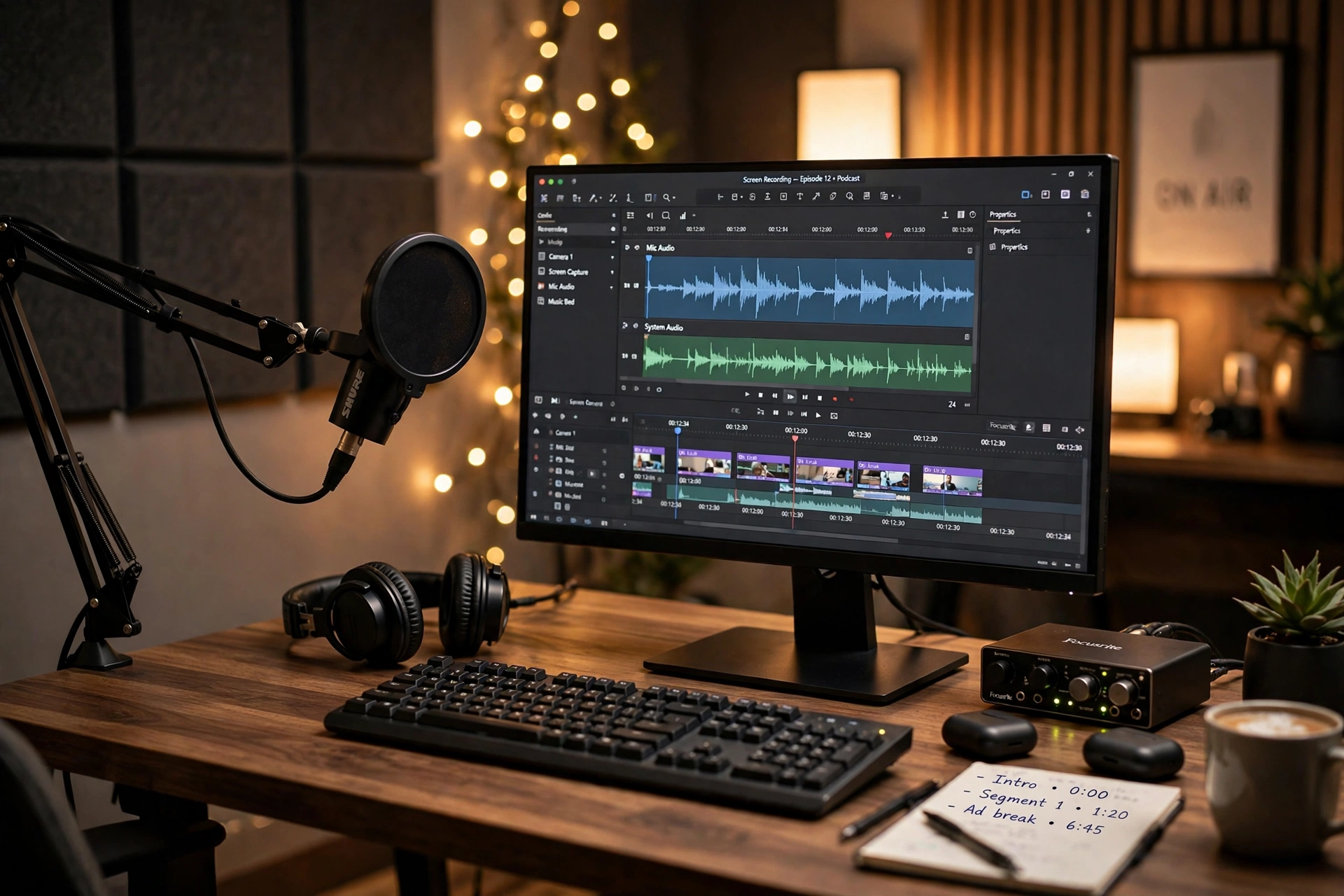
Podcasting is a popular way for people to exchange knowledge, discuss fascinating topics, and reach out to audiences. Podcasts are primarily audio-only, but many makers also generate visuals to demonstrate their production process, illustrate their editing software, and produce promotional videos. The iTop Screen Recorder can be of help with such operations since it can record users’ desktop screen and turn mundane production processes into valuable video footage.
How to make a podcast
New podcasters often require guidance learning how to operate with recording software, alter microphone settings and organise their recording sessions. It’s tough to write these methods down, especially for newcomers who have never touched audio production instruments before.
iTop Screen Recorder allows developers to capture their screen to display the various recording methods. They can show you how to open an audio application, change settings, arrange the recording tracks, and set up a session. If you’re interested in learning about podcast production, these recordings are a great resource.
Audio Editing Process Explained with Pictures
Editing is an essential part of podcast production. Creators may need to take out unnecessary bits, arrange discussions, balance sounds, or sequence separate recording streams. These actions are easier to demonstrate via screen recordings because you can see what exactly is being done.
iTop Screen Recorder is also excellent for recording your editing workflows and explaining how various tools work. Creators can capture the editing process and share it with their team members or audience as a demo. This graphic approach can make difficult editing methods easier to follow.
Create Promo Videos For Podcast Channels
It’s not enough to just drop episodes to establish an audience. Podcasters need to have appealing promotional material that exposes their content and encourages visitors to explore their channels.
iTop Screen Recorder is able to capture episode preparation, website browsing, behind-the-scenes activities, and other desktop stuff to make promotional movies for creators. You may take these recordings and split them up into little snippets for social media, channel updates, and online communities.
Creators can add screen footage and narration to describe what’s coming up in episodes or to highlight intriguing elements about their production process.
Team Collaboration Support for Podcasters
Some podcasts are created by a team of individuals who research, record, edit, and publish. These duties might be difficult to arrange when team members are working remotely.
Screen recordings are good for clarifying production instructions and modifications that need attention. An editor can videotape a walk-through of an audio production and show another team member where adjustments need to be made.
– Makes things clearer and teamwork more organised.
Keep Production Guides For Future Episodes
The same work goes into every episode for podcast creators. Documenting critical workflows is a good reference point for future production sessions. The videos may show you how to install recording software, how to organise your files, or how to complete particular editing processes.
With iTop Screen Recorder, producers can create their own library of visual tutorials and come back to them any time they choose.
Summary
To make a podcast, you need to plan, record, edit, and promote. iTop screen recorder aids in recording these activities with easy screen captures for developers. It provides useful chances for podcasters to better convey their workflows, whether it’s displaying audio editing techniques, generating marketing films, or enabling remote cooperation.
 Backlinks Hub
 Apex
 Admin